
What your workshop needs before a Vector VR2 installation
Plan power, extraction, vacuum, compressed air, network access and delivery space for a Vector VR2 without ordering services before the final specification is confirmed.
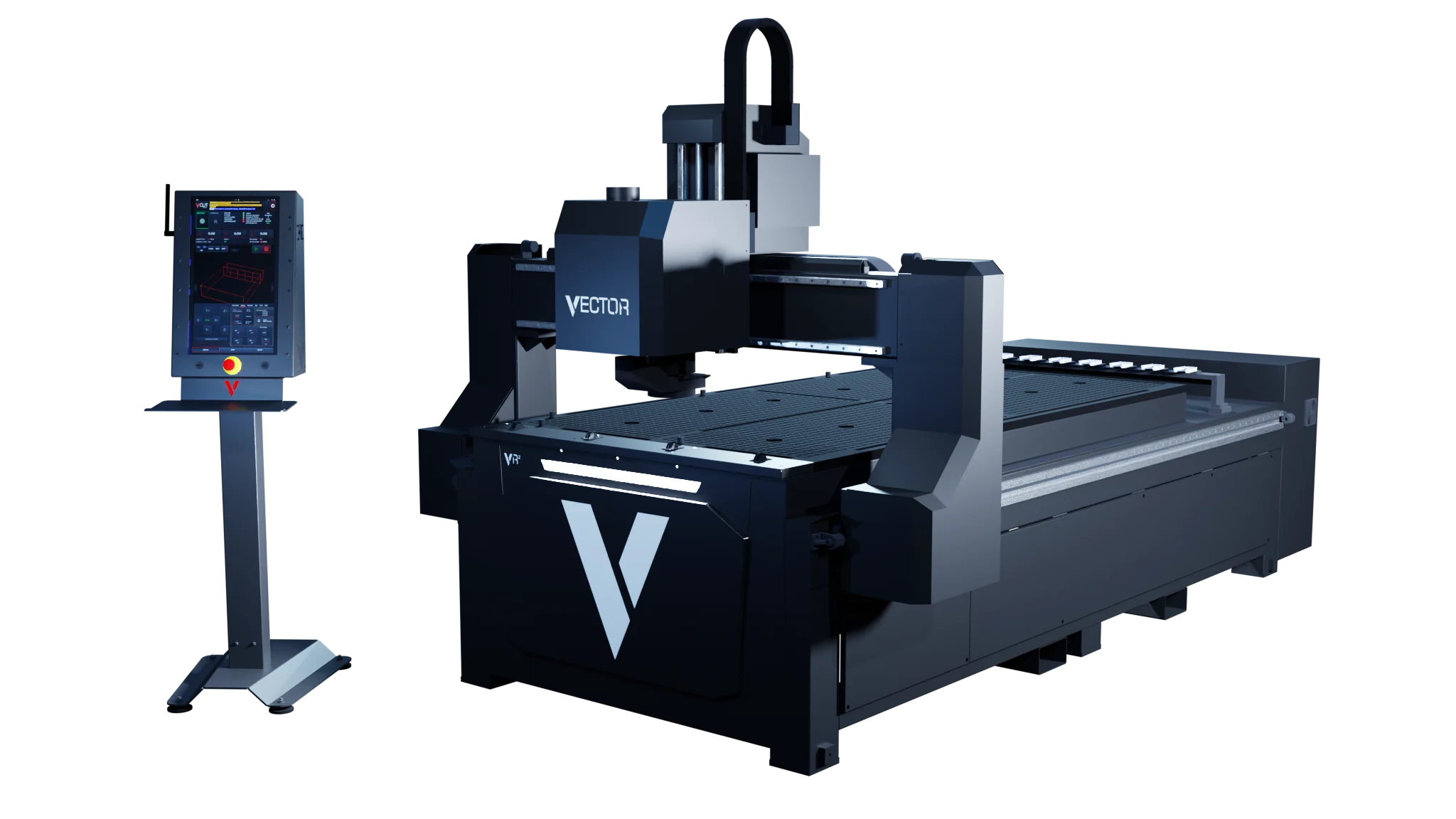
A Vector VR2 installation involves more than finding floor space for the table. The machine, extraction and vacuum need electrical supplies; the process needs compressed air; operators need an approved route for job files; and the site needs suitable delivery, loading and service access.
The figures below are nominal platform requirements. Use them to start a site review, not to order electrical work or other services. DXF confirms the final requirements for the selected machine and customer site before quotation.
Nominal services at a glance
| Service | Nominal requirement | What still needs to be confirmed |
|---|---|---|
| Machine | 32 A electrical supply | Final connection requirements for the selected machine and site |
| Extraction | 16 A electrical supply | The extraction package, its electrical requirement and how it connects to the machine |
| Vacuum | 16 A electrical supply | The vacuum arrangement and number of pumps for the selected model |
| Compressed air | 6 bar | The connection and capacity required by the final configuration |
These are separate requirements. For example, the 16 A extraction figure describes its nominal electrical supply; it does not specify the extraction performance needed for every material or process.
1. Confirm the work before planning the services
Table size, spindle, tooling, extraction and vacuum are matched to the material and workload. Before the site services can be finalised, provide:
- the materials and thicknesses you expect to cut;
- normal sheet sizes and the largest parts;
- the required finish and typical production volumes;
- the proposed machine location and known site services;
- how job files should reach the operator.
This prevents the workshop from being prepared around a generic machine when the ordered configuration needs something different.
2. Plan the electrical supplies
The nominal starting point is 32 A for the machine, 16 A for extraction and 16 A for vacuum. Do not combine these into a single assumed requirement or use them to select cables, protection or connection equipment.
Once the configuration is agreed, give the confirmed requirements to a competent electrical contractor. The contractor can then assess the existing supply, connection positions and cable routes for the site.
3. Match extraction to the material
Extraction is selected to suit the application. The material, tooling, production pattern and machine configuration affect that choice, so an available 16 A supply alone does not show that the site is ready.
Confirm the extraction package and how it will be positioned and connected before arranging work. Alternative extraction options are available where the standard European proposal does not suit the application.
4. Confirm the vacuum arrangement
The Vector VR2 uses zoned vacuum hold-down controlled through V-CUT. The published platform specification uses 7.5 kW vacuum pumps, with one or more pumps depending on the model.
The final table size, sheet material and hold-down requirements determine the vacuum arrangement. Confirm the number of pumps and their electrical requirement for the machine being quoted rather than assuming every VR2 uses the same setup.
5. Check compressed air
The nominal pressure is 6 bar. Pressure alone is not a complete compressed-air specification, so confirm the connection and capacity required by the selected configuration before changing the workshop supply.
Tell DXF what compressed-air provision is already available and whether other equipment shares it. This gives the site review a factual starting point.
6. Agree the network and file route
Wi-Fi is included, and a wired LAN connection is available as an option. The connection can carry production files and support agreed technical-support routes.
Decide with your IT team:
- whether the machine will use Wi-Fi or the wired option;
- which approved route operators will use for job files;
- whether remote support is permitted and under what policy;
- where the network connection must be available at the machine.
Do not assume that internet access or unrestricted remote access is required. File transfer and support access should follow the customer’s network and IT policies.
7. Review space, delivery and access
The table size is not the complete machine footprint. Check the proposed position against the confirmed machine dimensions and allow for material loading, normal operation and trained service access.
Also review how the machine and its supporting equipment will reach that position. DXF should know about restrictions on the delivery route and installation area before delivery is arranged.
What should be ready before delivery
DXF agrees the site requirements with the customer before delivery. A useful readiness check covers:
- confirmed electrical supplies for the machine, extraction and vacuum;
- the agreed extraction and vacuum arrangements;
- compressed air at the confirmed connection and capacity;
- the chosen network and file-transfer route;
- a suitable delivery route and prepared machine position;
- nominated operators available for the agreed training.
Installation and commissioning can then proceed against the ordered configuration. Operator training covers job setup, machine operation and the approved restart procedures for that machine.