
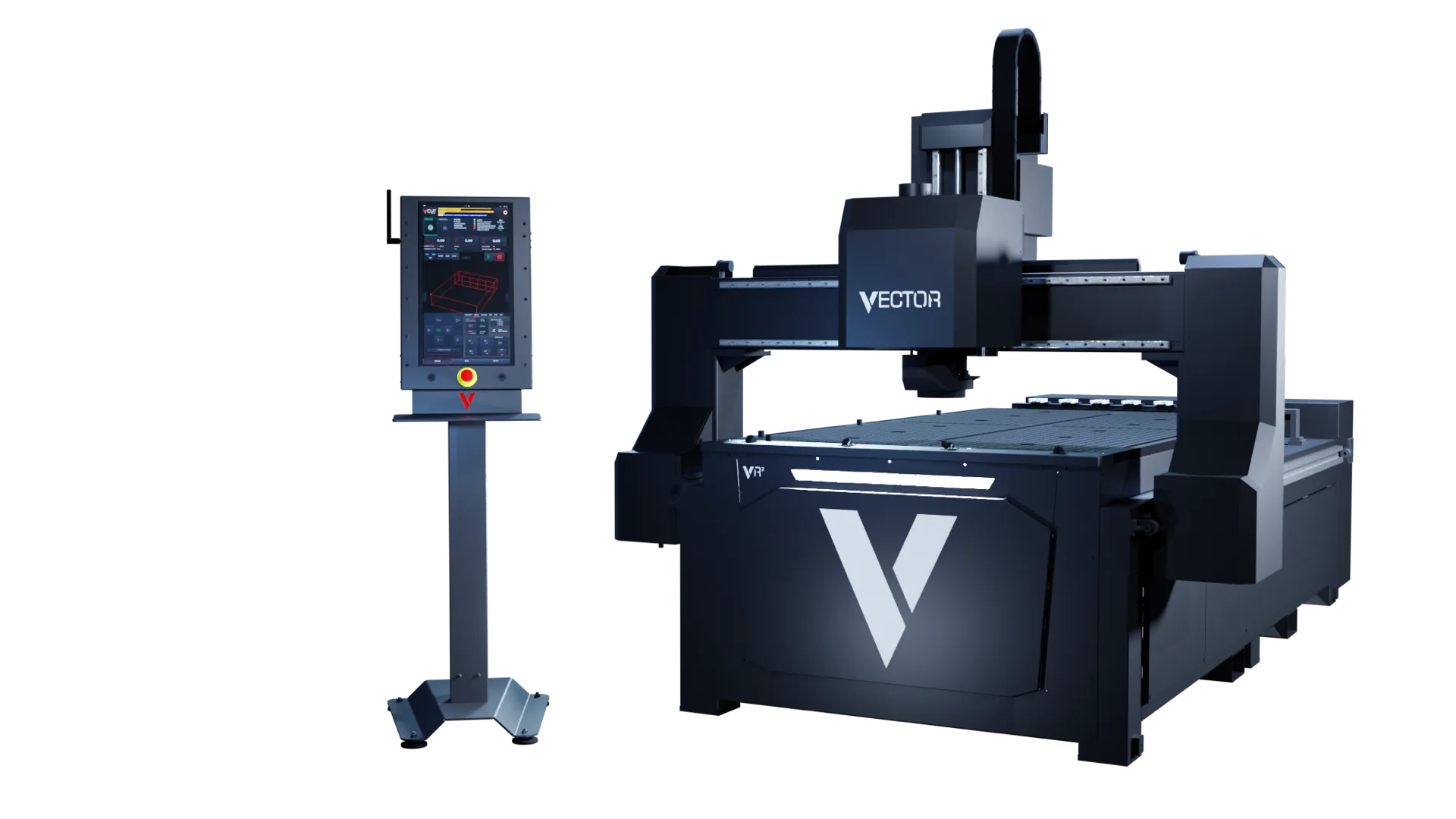
Vector VR2 + V-CUT
Vector VR2 industrial CNC router
Vector VR2 hardware and European-developed V-CUT control are designed as one production platform. Operators get one place to prepare, check, run, recover and support jobs.
One platform for machine setup, material control, live production, job recovery and support.
- Warranty
- 2 years
- Machine marking
- CE marked
- CNC spindle
- Teknomotor
- Technical support
- Quick support
Vector VR2 machine warranty
UK and European markets
Italian, matched to the application
Machine identity, faults and logs
One system
One industrial CNC router and one control system
VR2 is the industrial CNC router. V-CUT is the European-developed control system used to prepare, run and recover jobs. Both are developed as one routing platform.
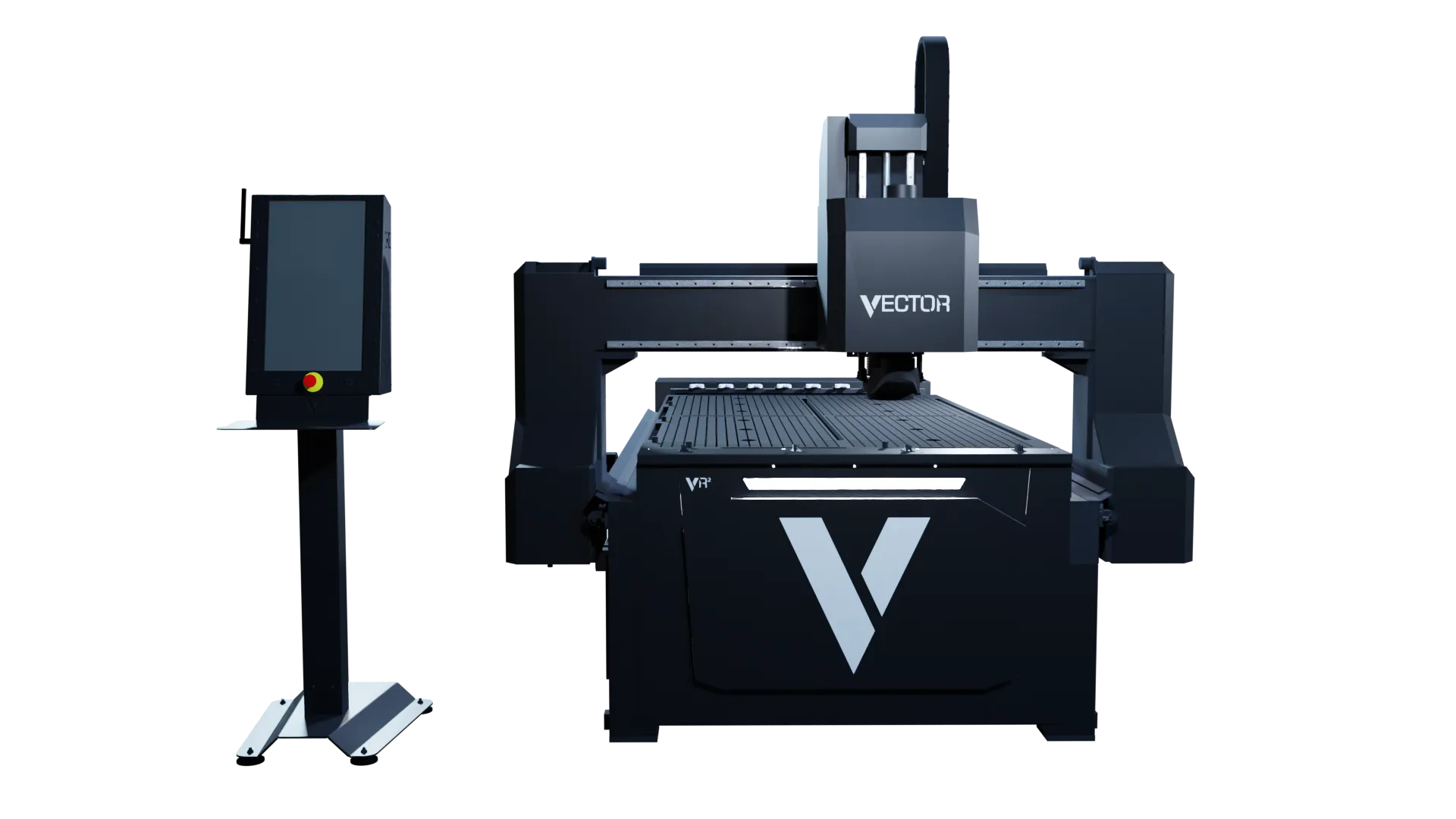
Vector VR2
Operator station and machine as one production platform.-
CNC router
Vector VR2
Five table formats, an Italian Teknomotor CNC spindle, a European extraction package, automatic tool change and zoned vacuum control. The final build is matched to the material and workload.
View the VR2 platform -
European-developed control
V-CUT
A touch-led interface for setup, live machine feedback, job files, controlled restart and service information.
See how V-CUT works
Why it matters
Simpler Control at Every Stage
The value of VR2 and V-CUT is not a longer feature list. It is less time spent searching through controls, checking setup, recovering work and explaining faults.
-
Everyday Control Made Easier
Touch-led workspaces bring preparation, machine status and job controls into one operating environment.
-
Check Your Setup Before Cutting
Required-tool visibility, job framing, elevated path verification and configurable table protection help operators check the setup.
-
Easier Restarts After Interruptions
SmartRestart, the multi-method restart suite, and LiveRewind, its handwheel-controlled program review, provide clear routes back into interrupted work.
-
Consistent Working Across Shifts
Role-based profiles, stored datum positions and controlled file routes help standardise work across operators and shifts.
-
Clearer Diagnostics for Support
Fault feedback, machine logs and service metrics give the DXF team a clearer starting point for diagnosis.
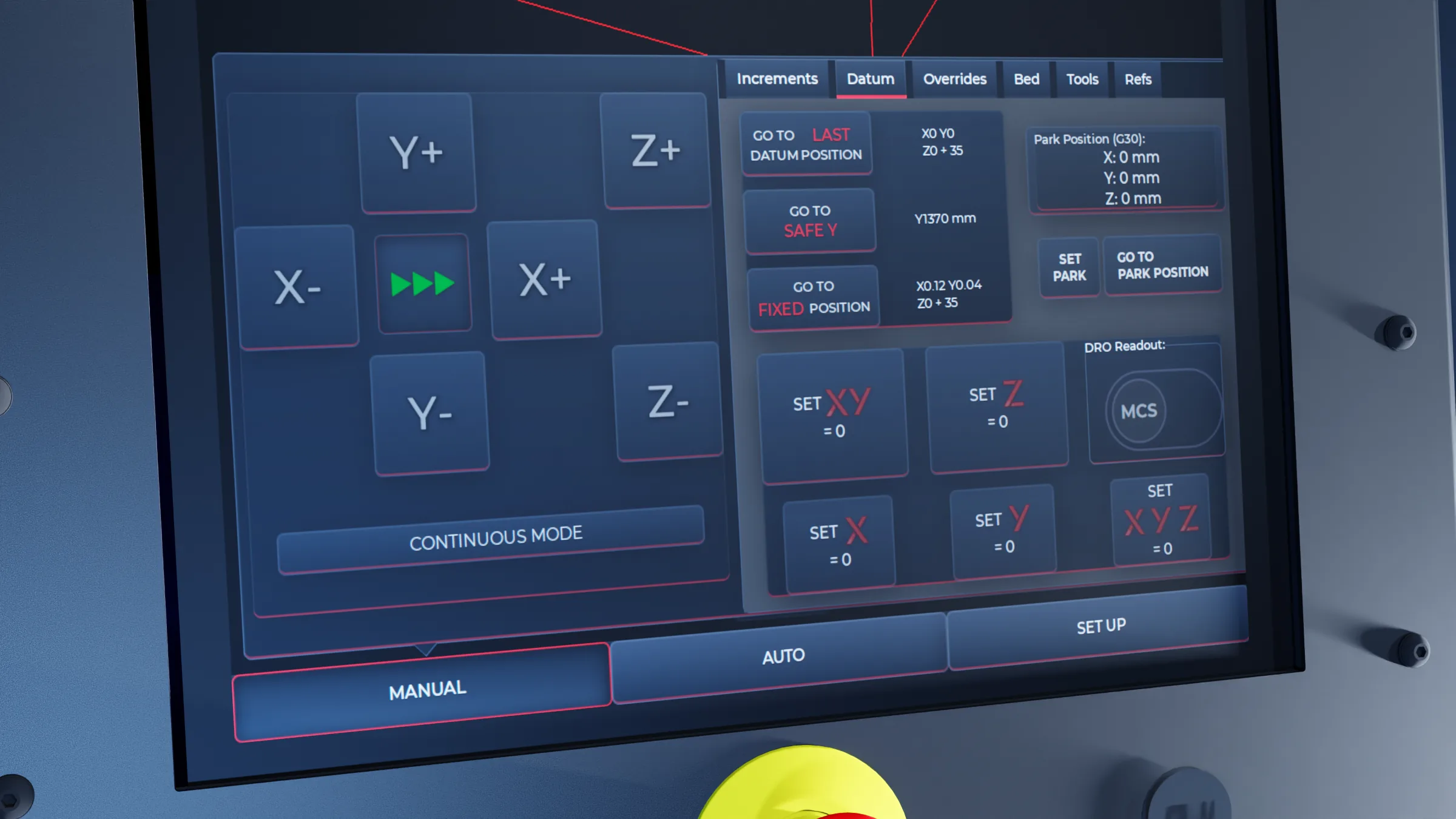
Machine and control
How VR2 hardware and V-CUT control work together
Hold-down, extraction and the tool list are handled through V-CUT while the job is prepared and run. The operator keeps position, feed, spindle state and time remaining in the same view. If the cut is interrupted, the restart route and the machine record used by support stay with that same system.
V-CUT
Operator screen for movement, datum and machine position.-
On-Screen Vacuum Control
The zoned matrix vacuum table is controlled through V-CUT, allowing the operator to apply vacuum where the sheet and job need it.
-
Height-Adjustable Dust Extraction
The extraction brush follows the configured sheet height, helping maintain dust capture while reducing manual adjustment.
-
Tool Changes and Job Checks
The automatic tool changer handles configured tool changes, while ToolCheck shows the required-tool list for the loaded job.
-
Machine Status at a Glance
Coordinates, active tool, feed, spindle state, distance-to-go and estimated remaining time are brought together for the operator.
-
ActiveGuard Stop and Recovery
ActiveGuard, the light-guard stop and controlled recovery system, links the machine safety response with an authorised V-CUT recovery route.
-
Clear Diagnostics for Easier Support
Machine identity, fault feedback, operating logs and service metrics give support teams useful information from the system itself.
Built for daily production
CNC Control That Fits the Way You Work
V-CUT brings the controls for each stage of the job together, helping operators prepare, check and run work with less time spent navigating menus.
-
Prepare Your Job
Load the approved job file, confirm the datum position, review the required tools and check the job dimensions.
-
Check Before Cutting
Check the job boundary and run the programmed toolpath above the material to verify positioning before cutting.
-
Monitor Your Progress
See the active tool, feed rate, spindle status, distance to go and estimated time remaining as the job runs.
-
Restart After an Interruption
Resume interrupted work from a known program line or toolpath point using the controlled restart options.
-
Get Support When You Need It
Give the DXF support team fault details, machine logs and service information to help diagnose the issue.
Applications
CNC routing for sheet and component production
The final configuration depends on the material, finish, throughput and process—not an industry label alone.
-
Sign and display
Panels, lettering and fabricated display work.
-
Furniture and joinery
Repeatable panel and component production.
-
Plastics and composites
Profiling specialist sheet materials with the appropriate process setup.
-
Prototypes and short runs
Flexible preparation for samples, development work and shorter batches.
Specify it properly
Specify the CNC router around the work
Material, sheet size, finish, throughput, file handling and site services all affect the right configuration.
- Materials, thicknesses and normal sheet sizes
- Tool changes, one-off work and repeat production
- Vacuum, extraction, compressed air and electrical supply
- Operators, shifts, file sources and support access
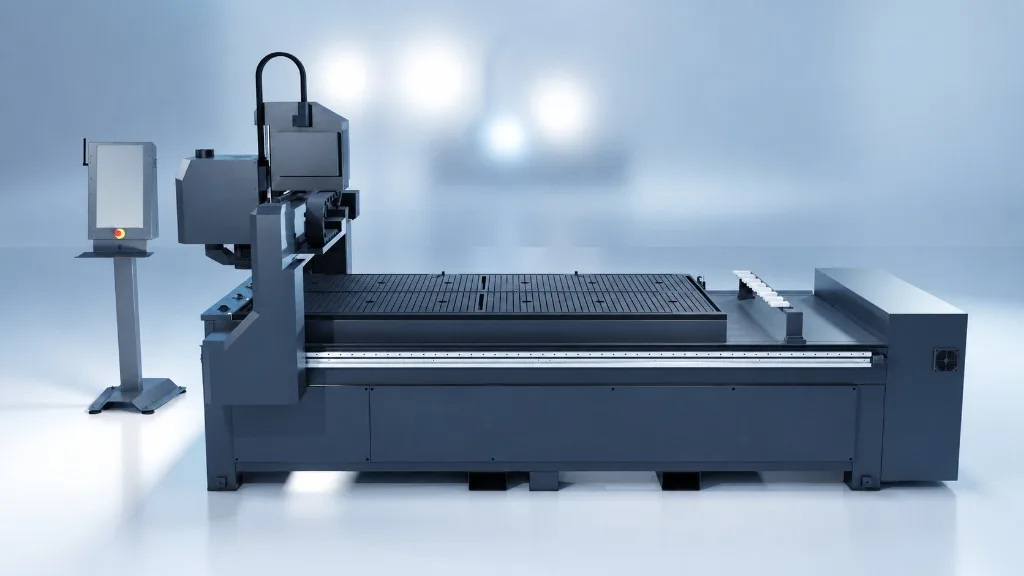
Vector VR2
Studio view of the Vector VR2. Table format and specification vary by application.