
Applications
CNC Routing for the Products You Make
From signs and displays to furniture, joinery and specialist components, explore how the Vector VR2 could support your production. Choose a configuration suited to your materials, sheet sizes and cutting requirements.
Tell us what you make and how you make it. We’ll help you match the machine to your everyday production needs.
Understanding your production
Your Work Shapes the Specification
We start with what you make, how you make it and who will run the machine. These four areas help us recommend the right table size, material hold-down and tooling, with a setup that fits your team.
-
01
What You Cut
Tell us which materials and thicknesses you use, and the edge finish your parts need. This helps us identify suitable tooling and cutting requirements.
-
02
What You Need to Produce
We look at your sheet sizes, component dimensions and production volumes, from one-off pieces to repeat batches, to help select the right machine format.
-
03
How You Prepare Jobs
We review how you create, check and transfer job files, so the process from programming to machine setup fits the way you work.
-
04
How Your Team Works
We consider who will use the machine, their experience and your shift patterns to identify training needs and appropriate access to machine settings.
What you can make
Explore the Possibilities with Vector VR2
From display lettering to furniture components and prototype parts, the VR2 can be configured for a wide range of routing tasks. We’ll help match the specification to your materials and finished products.
-
Signs and Displays
Cut lettering, shaped sign panels and display components from sheet materials, ready for finishing and assembly.
-
Furniture and Joinery
Produce panels and components for furniture and joinery, with repeatable positioning and tooling selected for the cuts each part requires.
-
Plastics and Composites
Cut shaped parts from plastic and composite sheets, with tooling, extraction and material hold-down selected to suit the material, plus cooling or lubrication where required.
-
Prototypes and Small Batches
Turn designs into samples, development parts and small production batches, with clear setup controls to help operators move between different jobs.
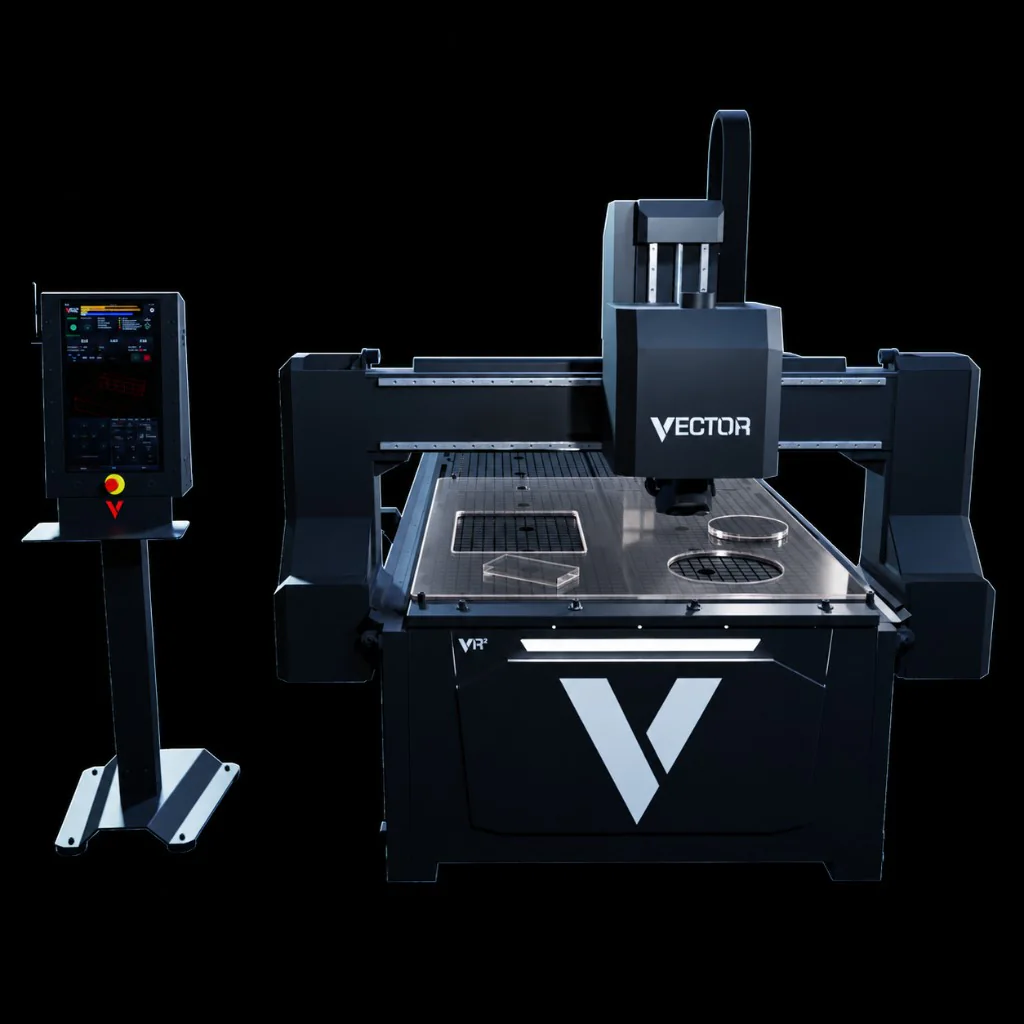
CNC router for sign making
Create Signs, Lettering and Displays
From individual letters to shaped sign panels and display components, the Vector VR2 supports bespoke projects and repeat production. We’ll review your materials, sheet sizes and production requirements to help you choose a suitable machine specification.
V-CUT brings job dimensions, the required-tool list, datum position and toolpath into view. Operators can check the job boundary and run the path above the material to help identify positioning issues before cutting.
- Shaped Sign and Display Panels
- Cut Letters and Custom Shapes
- Components for Display Assembly
- Bespoke Projects and Repeat Batches
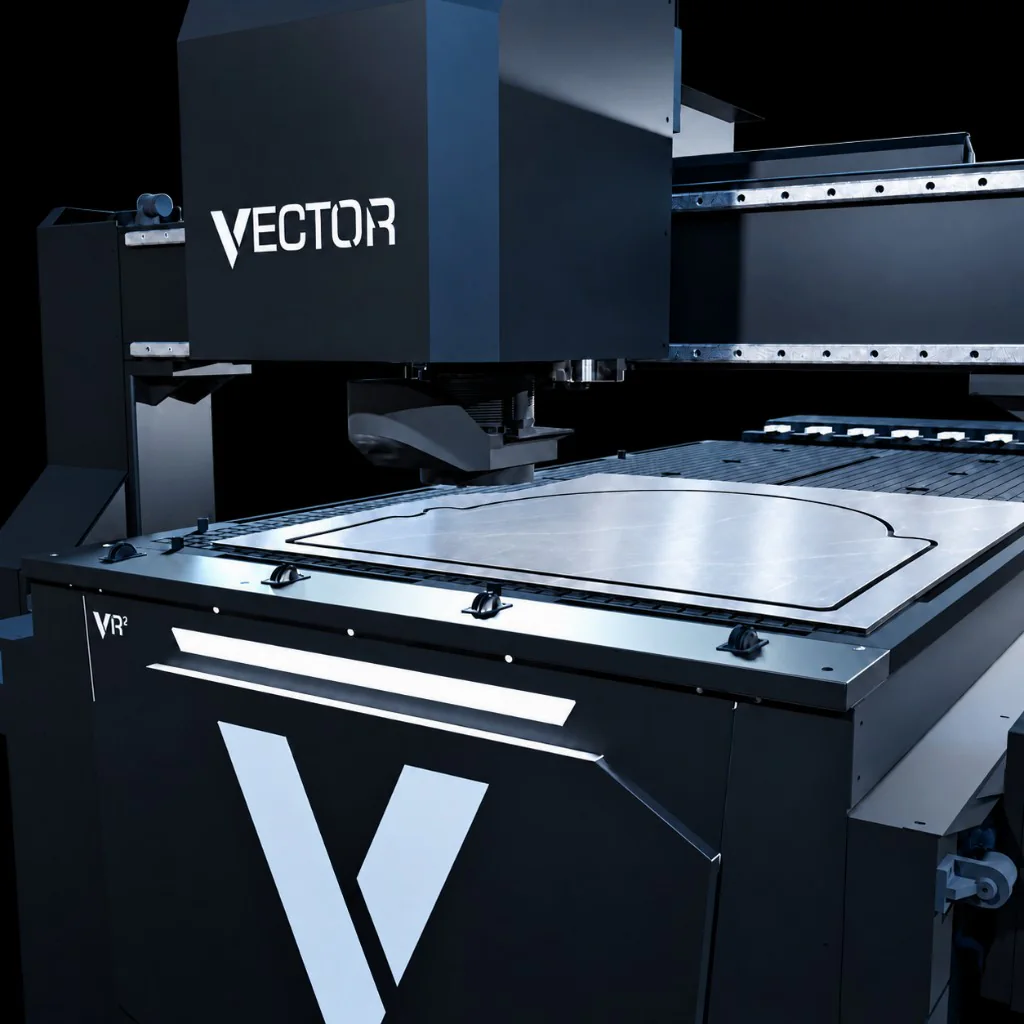
Sign making with Vector VR2
Shaped sign panel cut from sheet material on the Vector VR2.CNC router for furniture and joinery
From Sheet Material to Furniture Components
Produce furniture panels and joinery components for bespoke projects and repeat orders. The Vector VR2 combines automatic tool changing with vacuum hold-down, with table sizes and machine options to suit your sheet materials and production volumes.
Recall saved setup positions with DatumBank and review the job’s required tools with ToolCheck before cutting. For supported Vectric workflows, CAMLink creates a standard job card and organised folders to make the handover from programming to production more straightforward.
- Repeatable Panel Production
- Bespoke Components and Batch Work
- Automatic Tool Changes Between Operations
- Organised Job Files and Saved Setup Positions
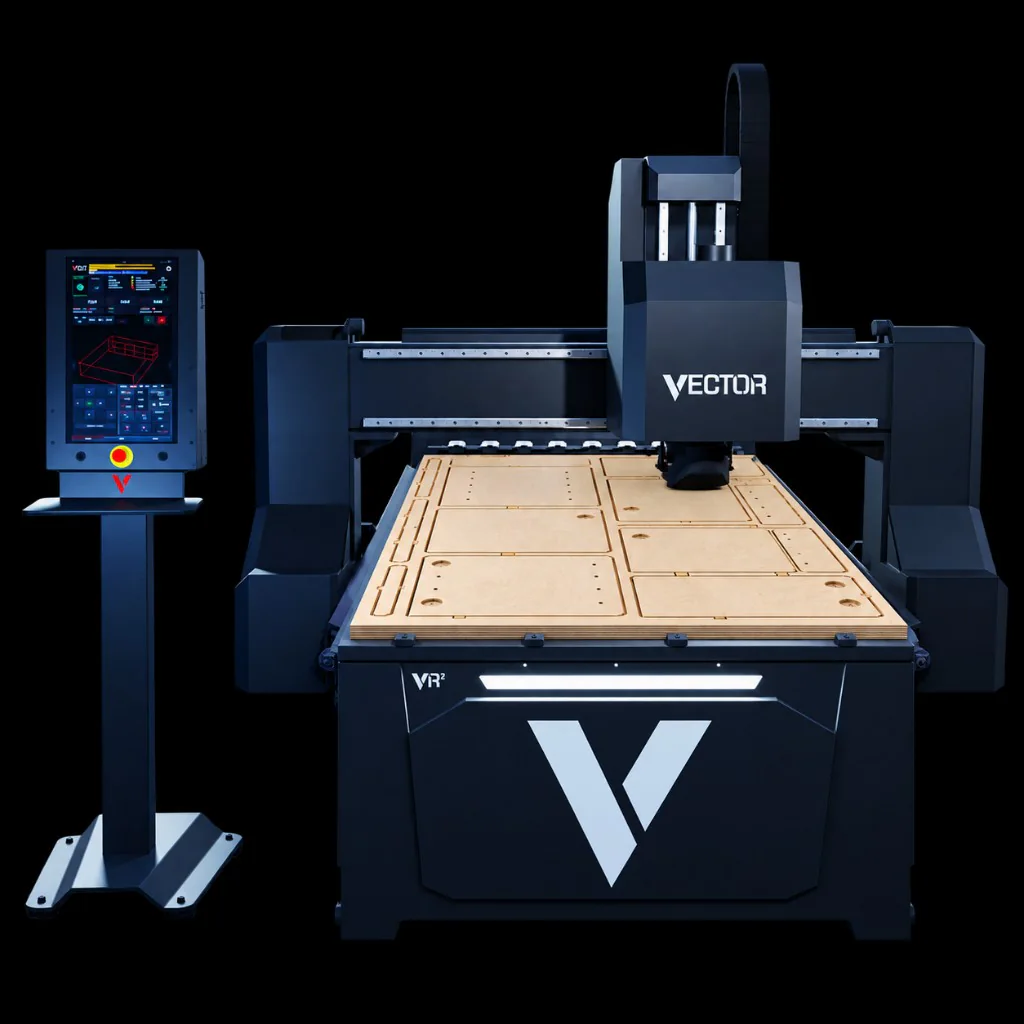
Furniture and joinery with Vector VR2
Furniture components nested and routed from a sheet on the Vector VR2.CNC router for plastics and composites
Turn Plastic and Composite Sheets into Finished Parts
Produce shaped panels and components from plastic and composite sheets. We’ll review your materials, thicknesses and production requirements to recommend a suitable VR2 configuration, including material hold-down and extraction.
Select vacuum zones from the V-CUT screen to suit the sheet position. The extraction brush adjusts to the configured material height, reducing manual setup, with controllable cooling and lubrication available for suitable applications.
- Shaped Panels and Components
- On-Screen Vacuum Zone Control
- Extraction Suited to Your Materials
- Cooling and Lubrication for Suitable Applications
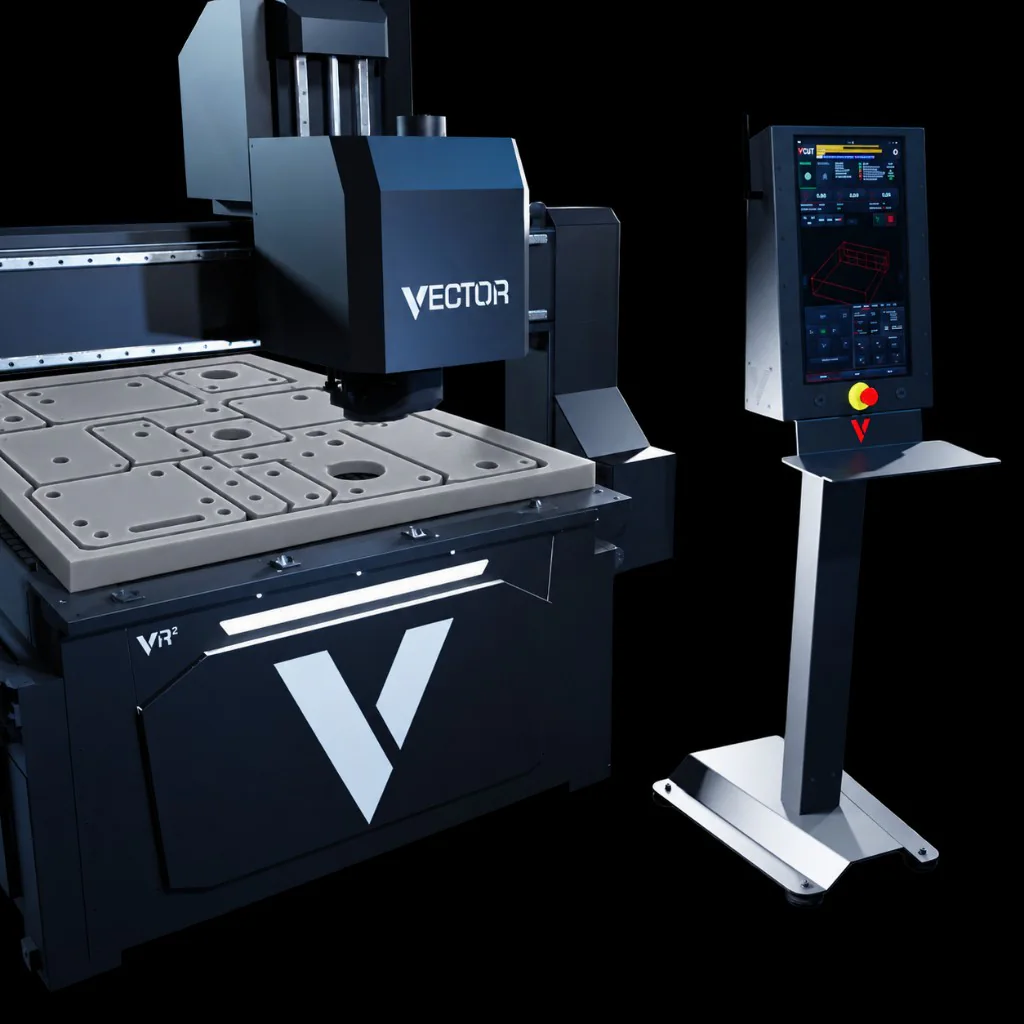
Plastics and composites with Vector VR2
Shaped components nested and routed from sheet material on the Vector VR2.CNC router for prototypes and short runs
From First Prototype to Small Batch
Produce samples, test new designs and move between small production batches. V-CUT brings the job file, dimensions, required-tool list, datum and toolpath view together, helping operators check each new setup.
For simple sheet preparation, QuickCut lets you trim, divide or square material directly at the machine using two or three points. Saved datum positions and organised access to job files help simplify setup when switching between jobs.
- Prototypes and Development Parts
- One-Off Designs and Custom Components
- Small Production Batches
- Trim and Divide Sheets with QuickCut
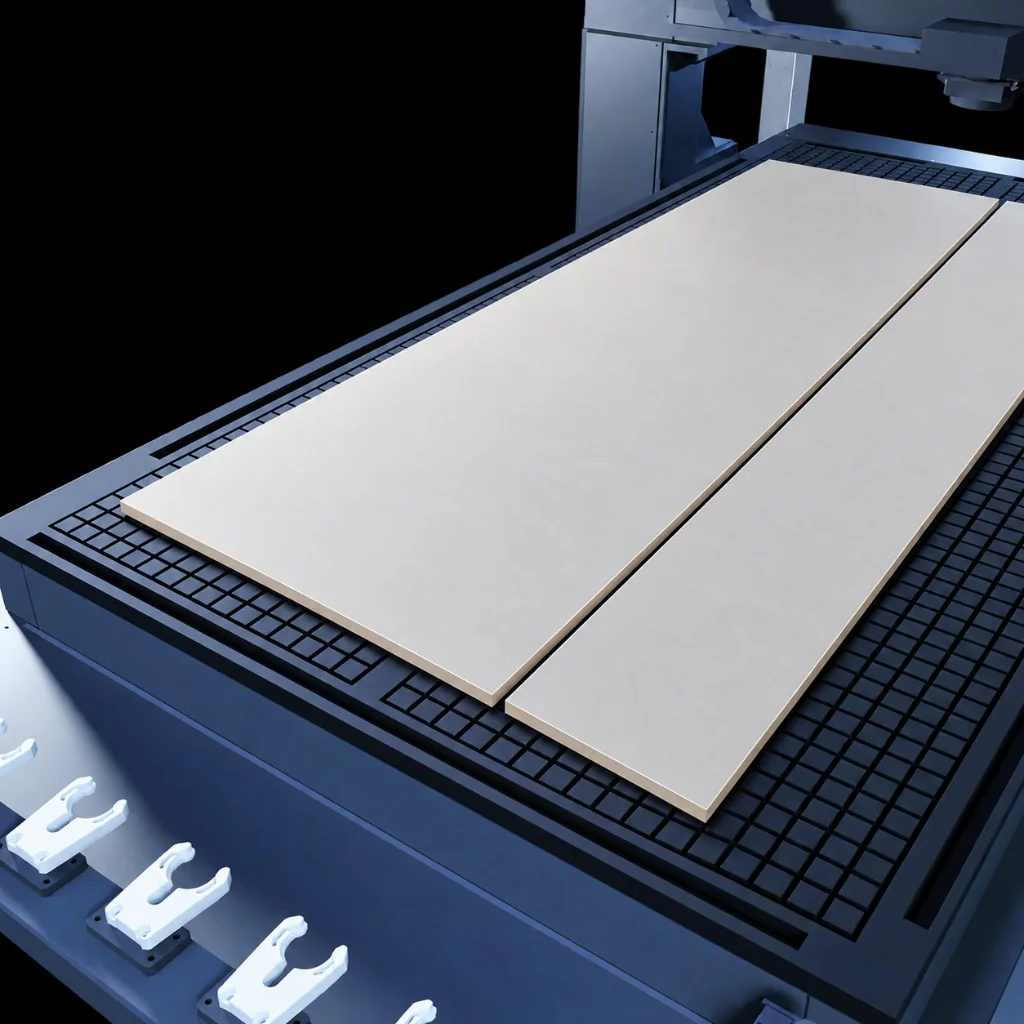
Sheet preparation with QuickCut
QuickCut supports simple sheet trimming and dividing directly at the machine, without creating a new CAM program.Common application questions
Choosing a CNC router for the work
What can an industrial CNC router be used for?
The Vector VR2 is intended for routed sheet and component production. Current application areas include sign and display work, furniture and joinery components, specialist plastics and composites, prototypes and short production runs. Material and process suitability must be confirmed for the proposed configuration.
Which Vector VR2 format do I need?
The 1313, 1325, 1530, 2030 and 2040 platform formats have table sizes of 1300 × 1300 mm, 1300 × 2500 mm, 1500 × 3000 mm, 2000 × 3000 mm and 2000 × 4000 mm. The correct choice depends on normal material sizes, access, vacuum arrangement and expected production pattern.
Can one CNC router handle one-off and repeat work?
The VR2 can be configured for workloads that mix one-off jobs, shorter batches and repeat production. Tool requirements, file handling, datum positions and the normal number of job changes are reviewed before the configuration is recommended.
How do I choose a CNC router for plastics or composite sheets?
Start with the exact material, thickness, part geometry, required finish and production rate. Tooling, vacuum hold-down, extraction, cooling and lubrication are then checked for suitability rather than assumed from the material category alone.
How does V-CUT help with CNC router setup?
V-CUT brings the approved job file, dimensions, required tools, datum, path view and setup checks into one operator environment. It supports preparation but does not replace training, correct tooling or safe setup.