
Vector VR2 industrial CNC router
Industrial CNC routing, controlled through V‑CUT.
Five table sizes. One machine platform. One control system, developed in Europe, that carries the job from file to finished part and back from an interruption.
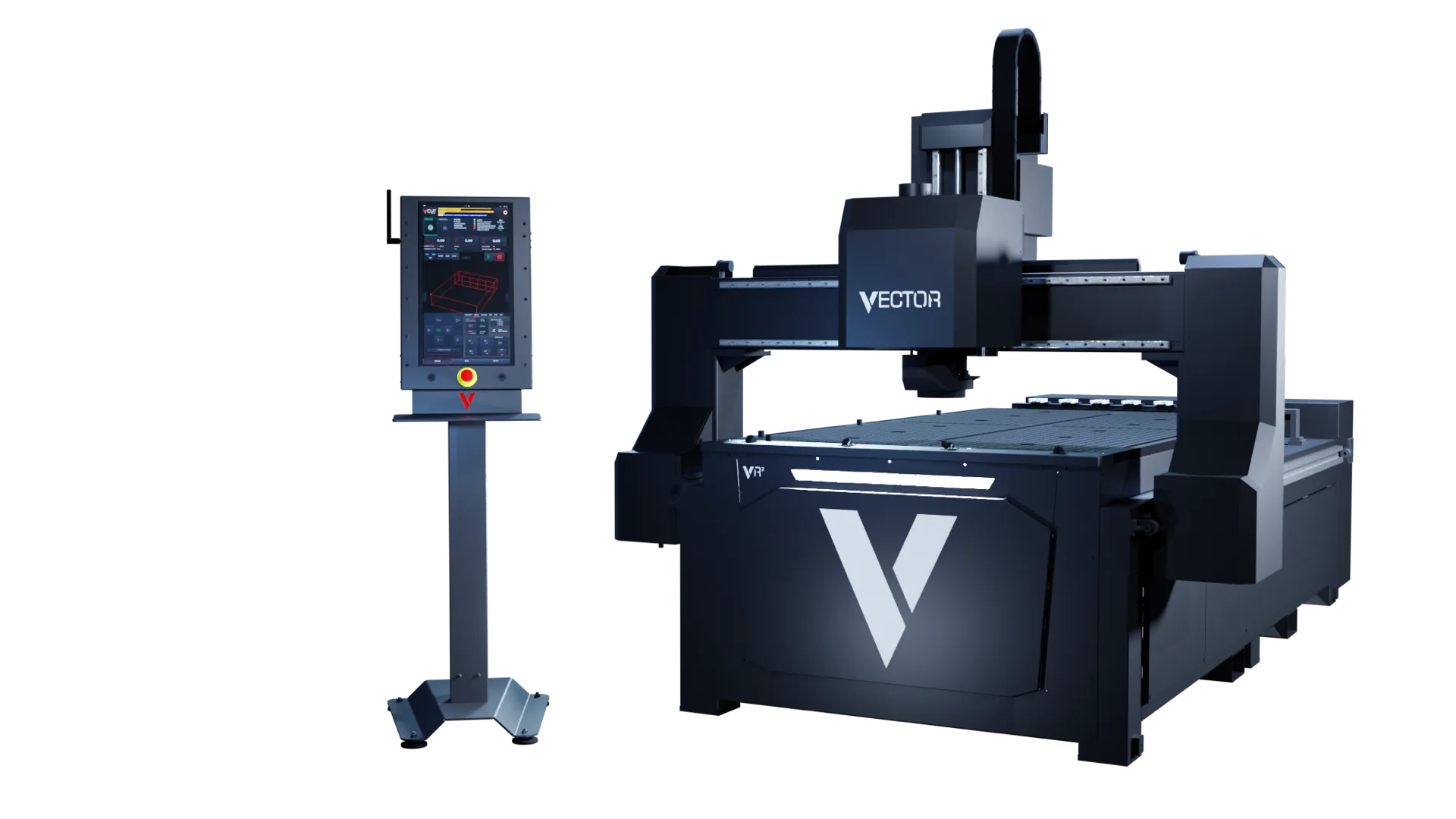
Vector VR2 industrial CNC router
Five table sizes. One machine platform. One control system, developed in Europe, that carries the job from file to finished part and back from an interruption.
The platform
Core hardware is the same on every format. You choose the table size for your sheets; the spindle, extraction, tool changer and vacuum are matched to the work.
Table size
The model code is the table size. Everything below the table is the same platform, so the choice comes down to the sheets you cut most often and the space you have.
Same on every format
The standard European proposal. Where a figure depends on configuration, it says so.
Table size, spindle, tooling, extraction, vacuum and site services are confirmed for the selected machine.
Machine and control
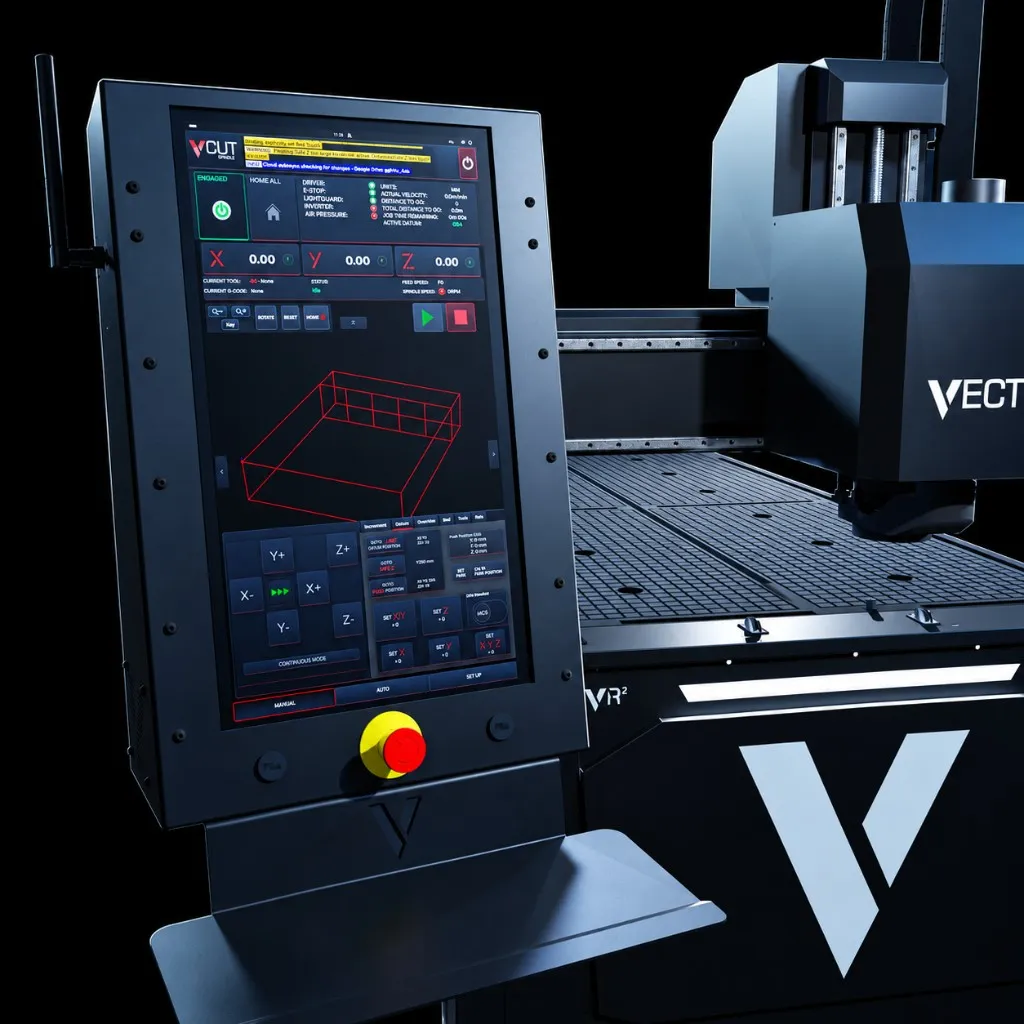
While the job is prepared and run, the operator controls the table, the brush and the tool list from V-CUT, not from a second panel.
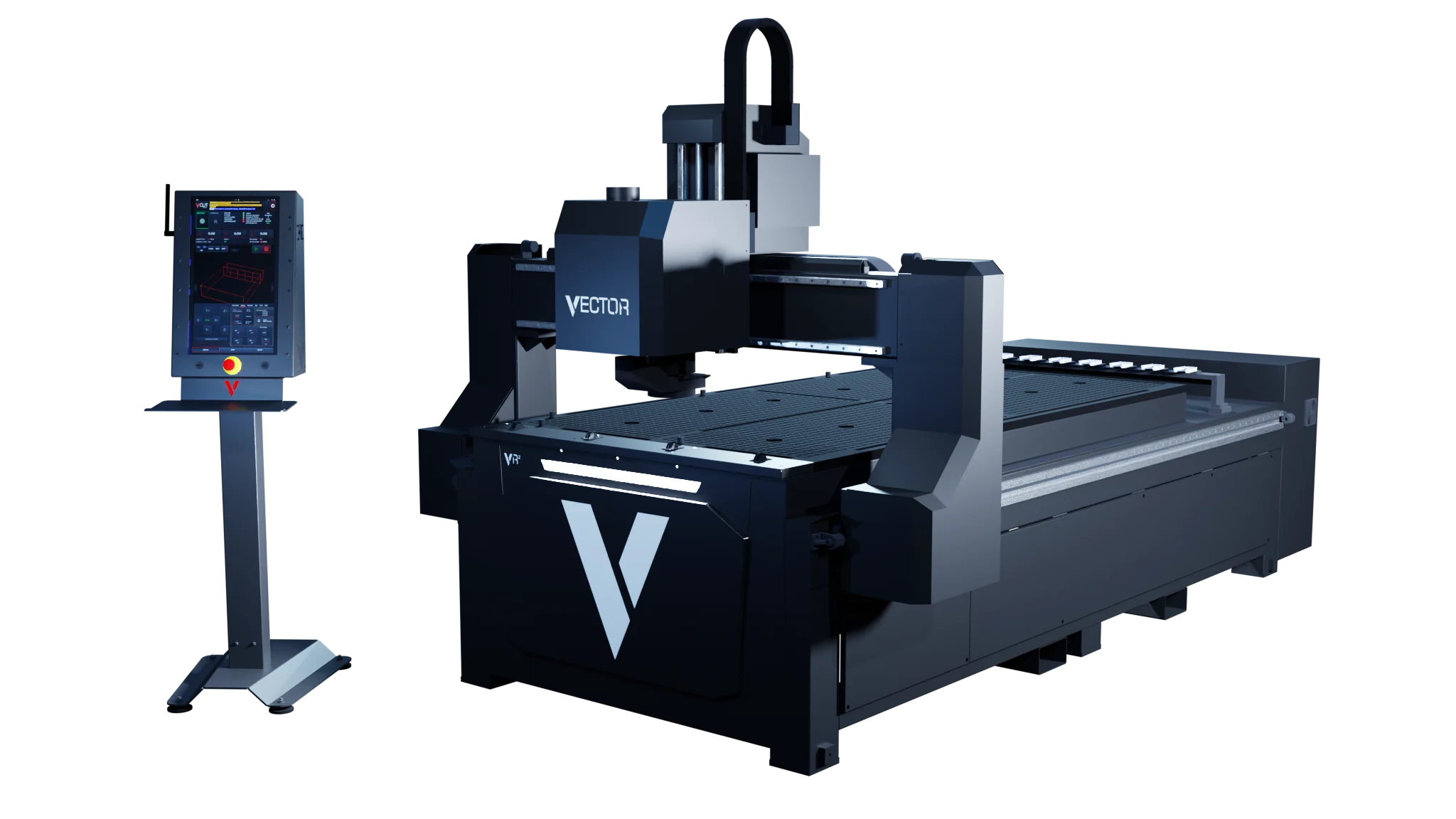
The matrix vacuum table is controlled through V-CUT. Vacuum goes where the sheet and job need it.
Follows the configured sheet height, so dust capture stays in place without manual adjustment.
The required-tool list for the loaded job, shown before production starts. The linear tool changer then handles the changes.
Demand-led cooling air. Continuous air use drops when the process does not need it.
Coordinates, active tool, feed, spindle state, distance-to-go and remaining time stay in view.
Machine identity, fault feedback, logs and service metrics give DXF a clear starting point for diagnosis.
ActiveGuard
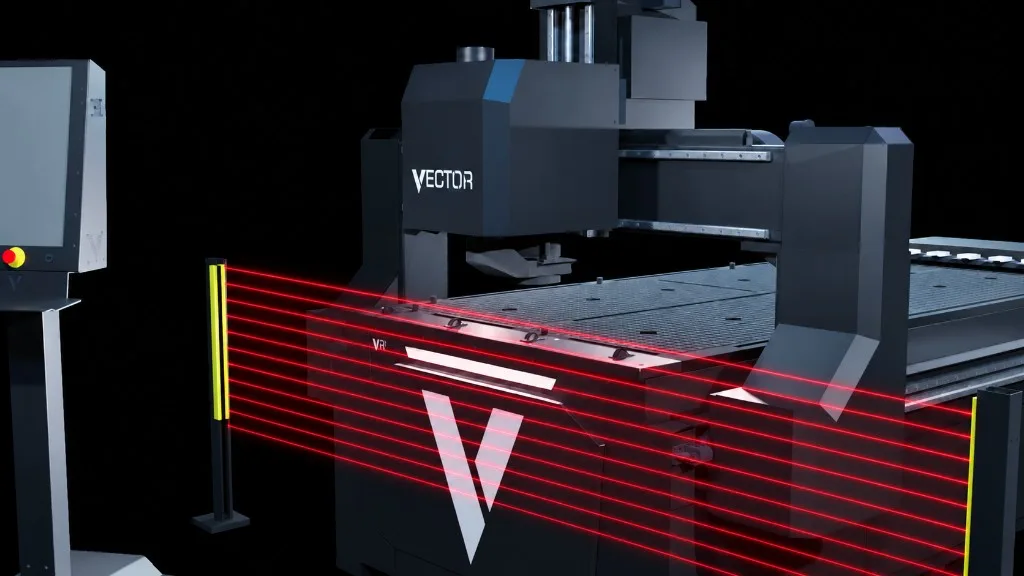
ActiveGuard is the light-guard stop and controlled recovery system. If the protected zone is interrupted, the machine initiates a rapid controlled stop.
V-CUT then supports an authorised recovery process within the approved machine procedure, so a trained operator can return to the job rather than start again.
ActiveGuard is a controlled, authorised recovery process. It is not a guard bypass. Training and safe setup are still required.
V-CUT
Setup, machine position, tools, files, live progress, restart and service information in one touch-led environment. Less time searching menus, more time cutting.
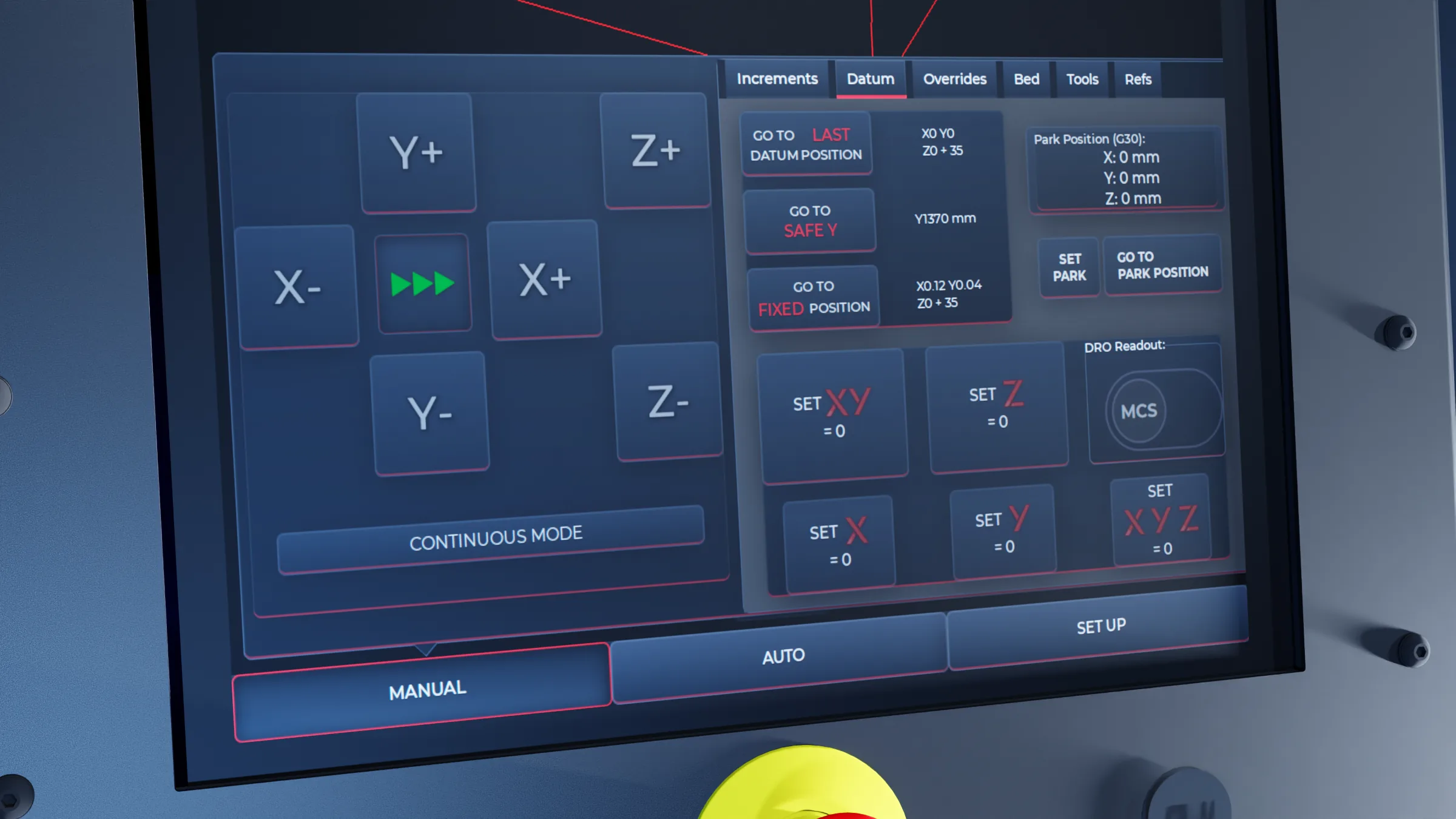
Load the approved job, confirm the datum, see the required tools and check the dimensions.
Frame the job boundary and run the path above the material before cutting.
Keep tool, feed, spindle state, distance-to-go and remaining time in view.
Restart from a known line or path point after an interruption.
Use fault feedback, logs and service data to give DXF a clear picture.
V-CUT is developed in Europe by DXF Machinery for the Vector VR2 platform.
Live production
Position, progress, the job view and the tool list on one display.
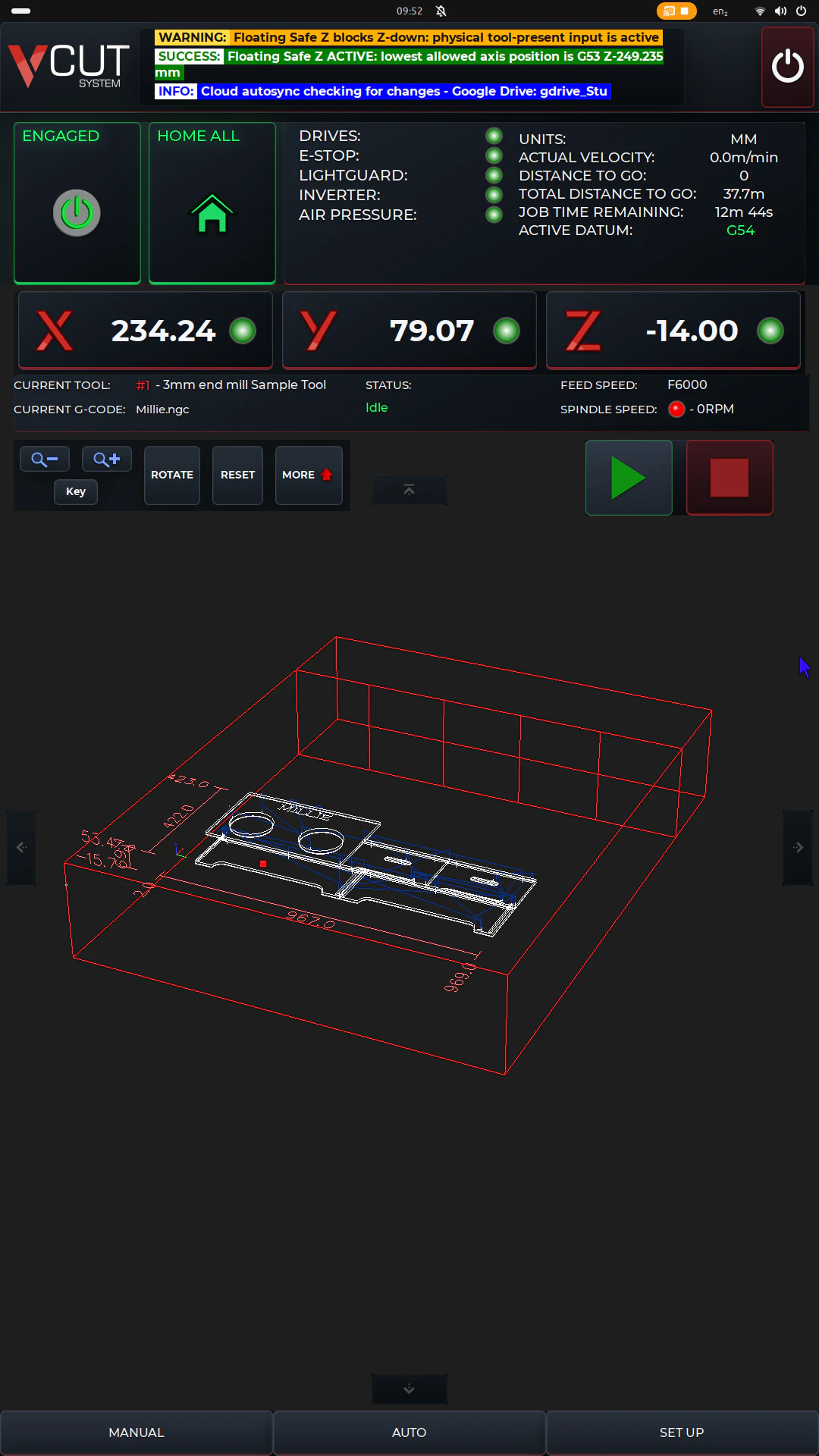
Interactive machine and work coordinates, with touch selection and reset.
Distance-to-go and remaining time for the current line and the whole job.
Multi-touch 2D and 3D job view with dimensions, travel and cutting lines.
The required-tool list for the loaded job, before production starts.
Before cutting
Four checks that reduce avoidable setup errors. They do not replace training or a safe setup.
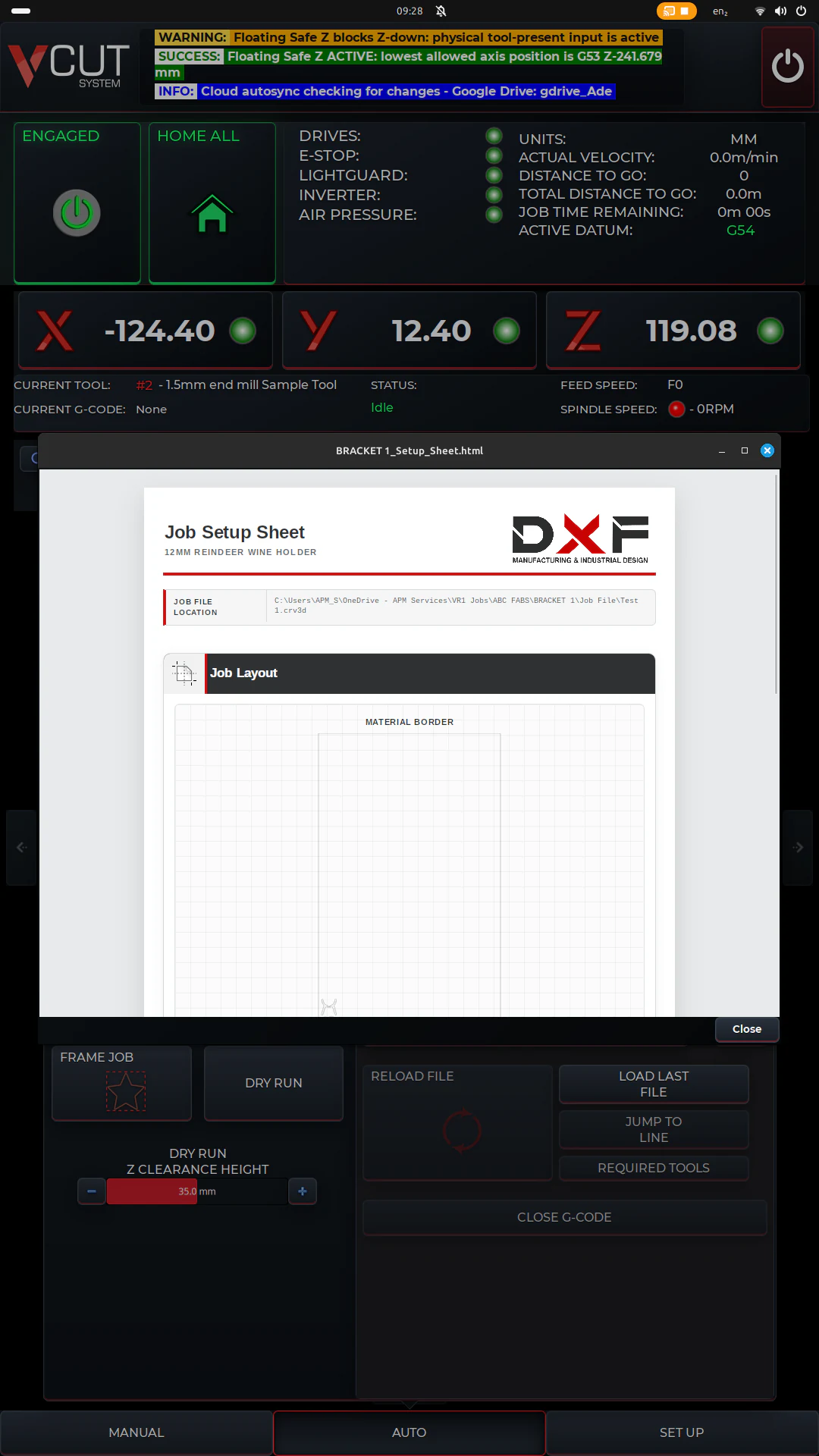
Configurable spoilboard and safe-Z protection that helps reduce the risk of an unintended plunge.
Does not make a table strike impossible.
Moves around the job boundary to check sheet position, clamps, stops and usable table area.
Runs the programmed path 50 mm above the material to check travel and setup.
Stores selectable datum offsets for common sheet, fixture and work positions.
SmartRestart
SmartRestart gives a trained operator several controlled ways back into a stopped job.
Select a G-code line and position close to the relevant cut path.
Choose a point on a recognised profile and return visually to the cut.
Select the intended restart line directly in the touch interface.
Use the manual pulse generator to review program motion before choosing the restart position.
Files and utilities
Controlled job access from local storage, authorised USB, approved cloud locations or Windows shares.
Supports approved file routes. Not an absolute data-loss guarantee.
A Vectric plugin that creates a consistent job card and folder structure for hand-off to the machine.
A two- or three-point sheet cut for squaring, dividing or trimming without returning to CAM.
Built-in horizontal, vertical or diagonal spoilboard surfacing with adjustable stepover.
Access and support
Job loading, setup, operation, permitted offsets and standard production controls.
Tool setup, references, backup and restore, logs, tests and service information.
Commissioning, calibration, motion tests, live I/O and deeper diagnostics for trained technicians.
Running time, spindle use, axis travel and selected service events in one place.
Straight answers
Controls reduce risk. They do not remove the need for training and safe setup.
Table Guard reduces the risk of an unintended plunge. Correct tooling and setup are still required.
JobVault supports approved file routes. It is not absolute protection against data loss.
ActiveGuard is a stop followed by an authorised recovery process, within the approved machine procedure.
Applications
The right setup starts with your normal material, sheet size, finish and workload, not the largest available specification.
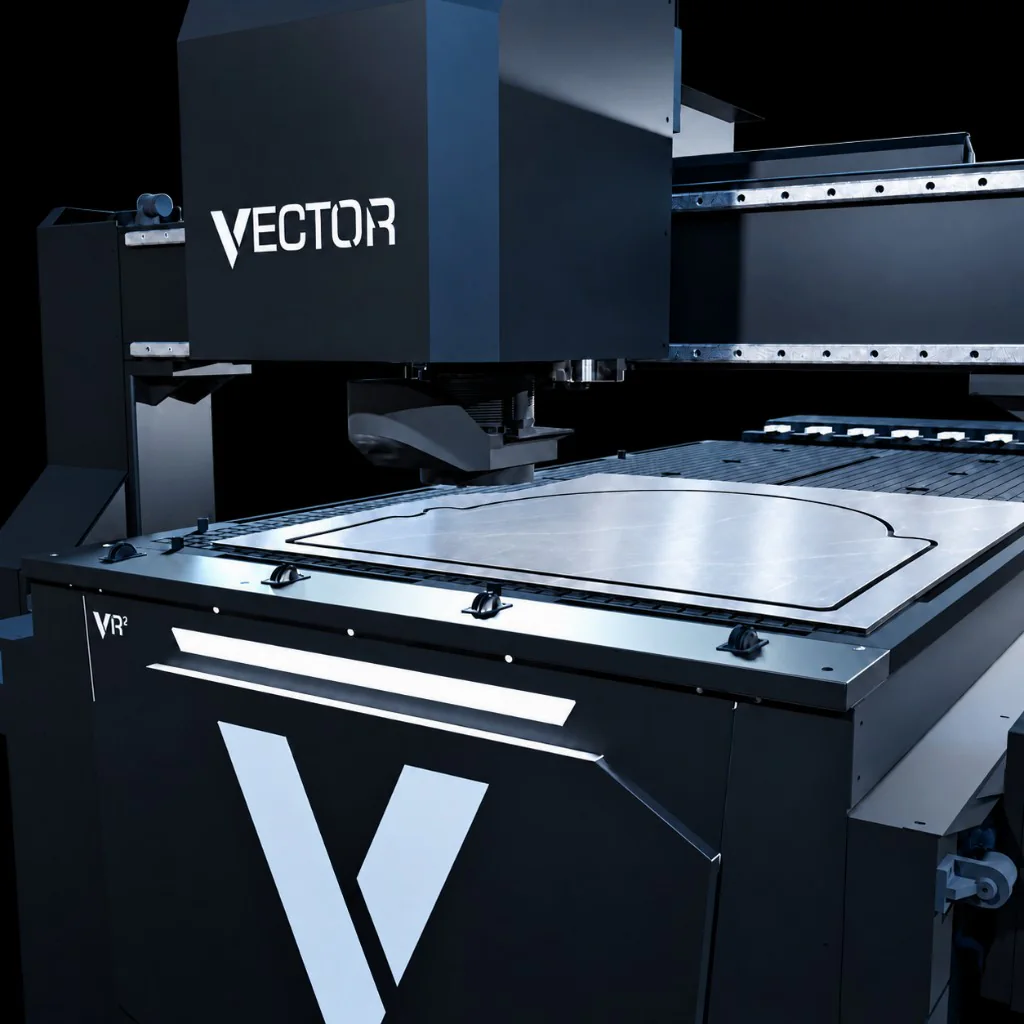
Routed panels, lettering, shaped parts and fabricated display components.
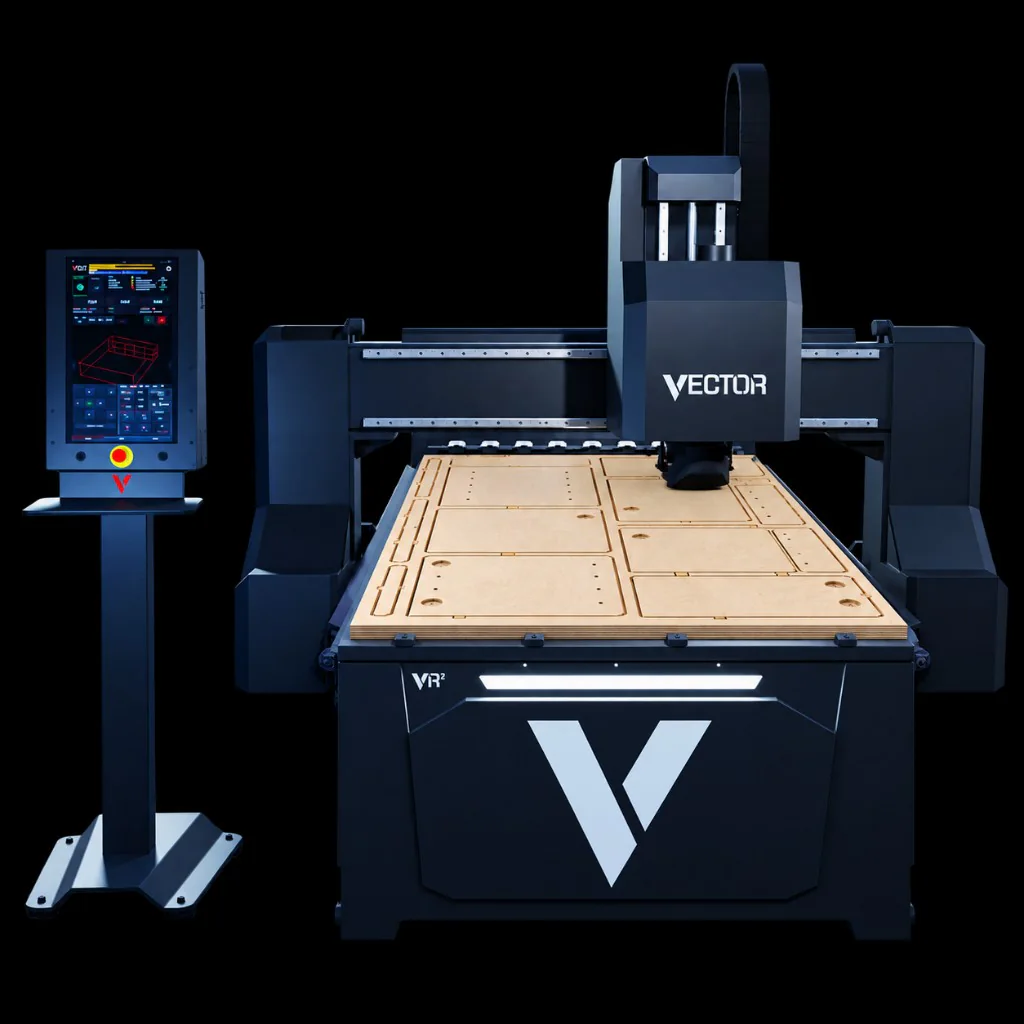
Repeatable panel and component production with consistent datum positions.
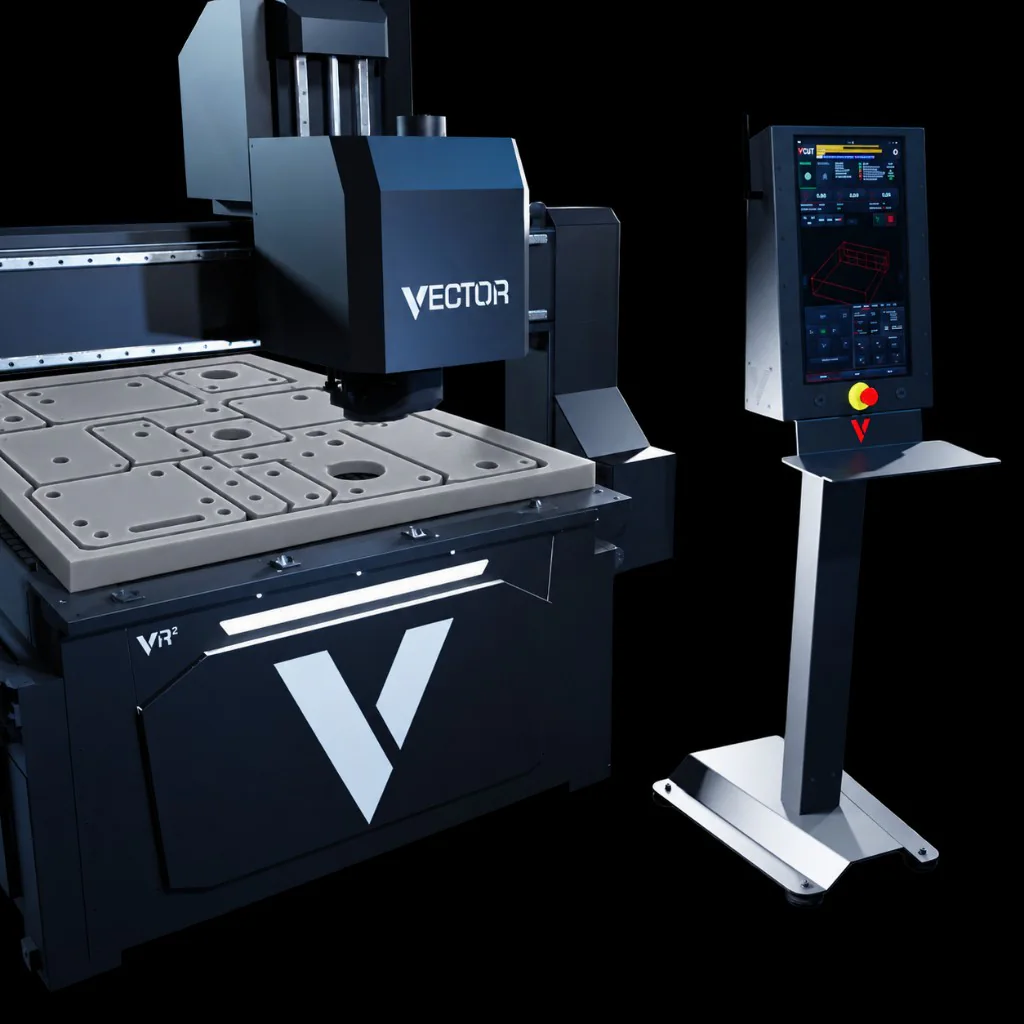
Specialist sheet materials with tooling, cooling, extraction and hold-down matched to the process.
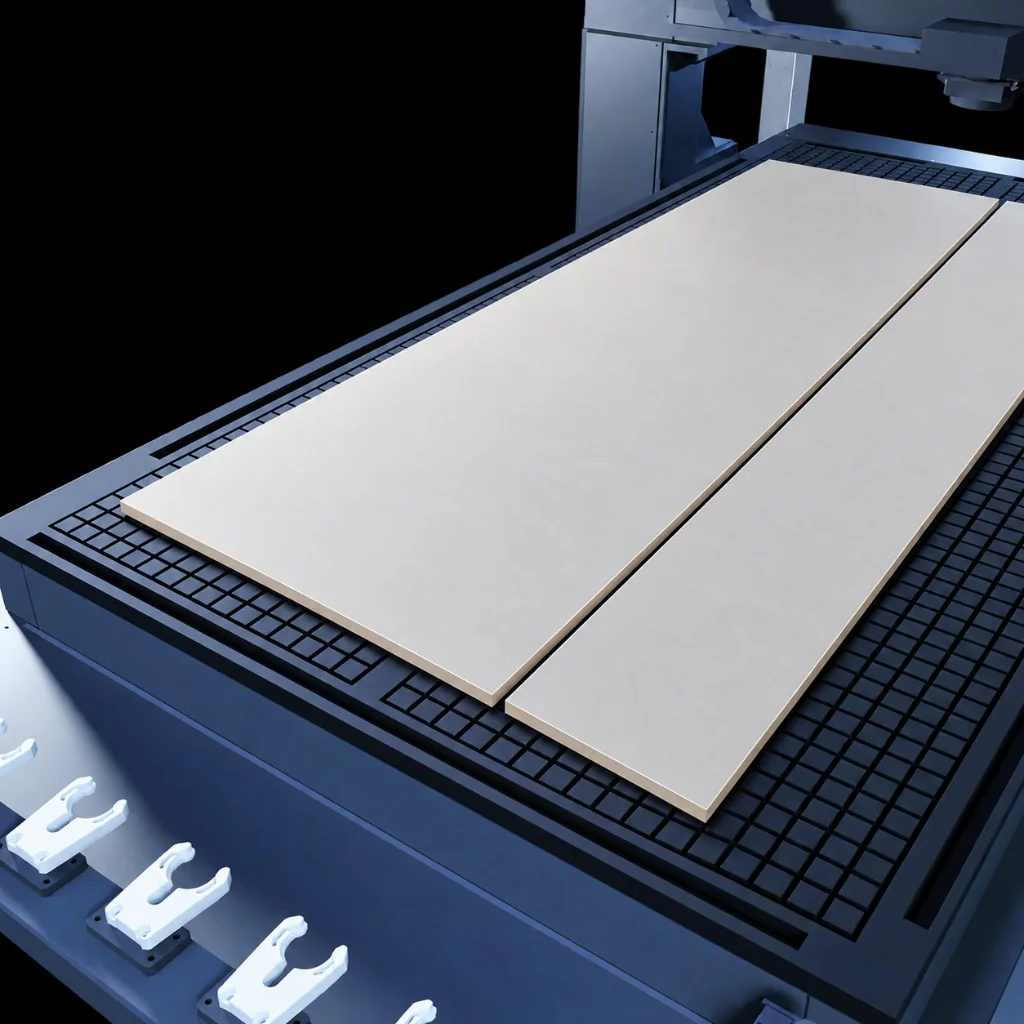
Samples, development parts and shorter batches where setup clarity matters.
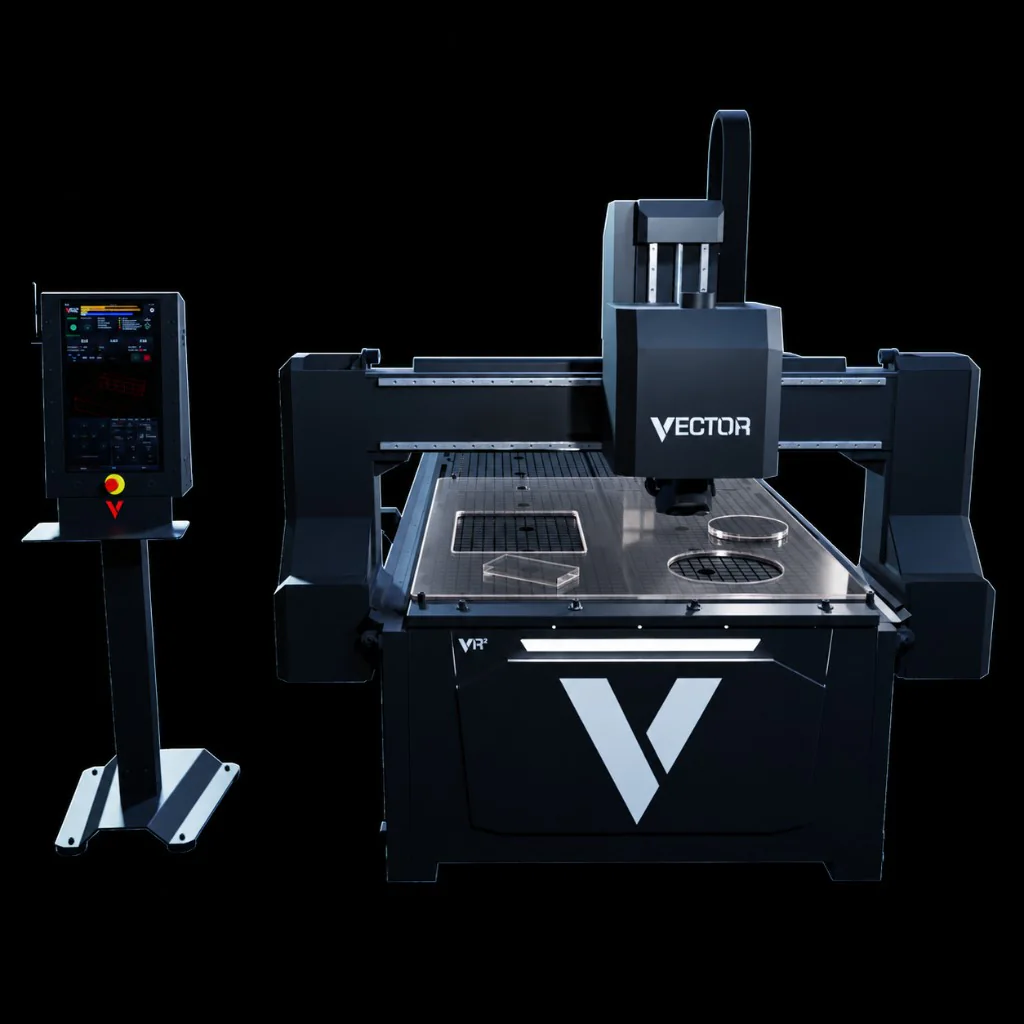
Request a quote
Send the material, sheet size, finish and normal workload. If you know your site services and how files reach the operator, include those too. We come back with the right table size and configuration.