
How to get back into an interrupted job
Use SmartRestart and LiveRewind to resume from a known position after an interruption. ActiveGuard remains a controlled, authorised recovery.
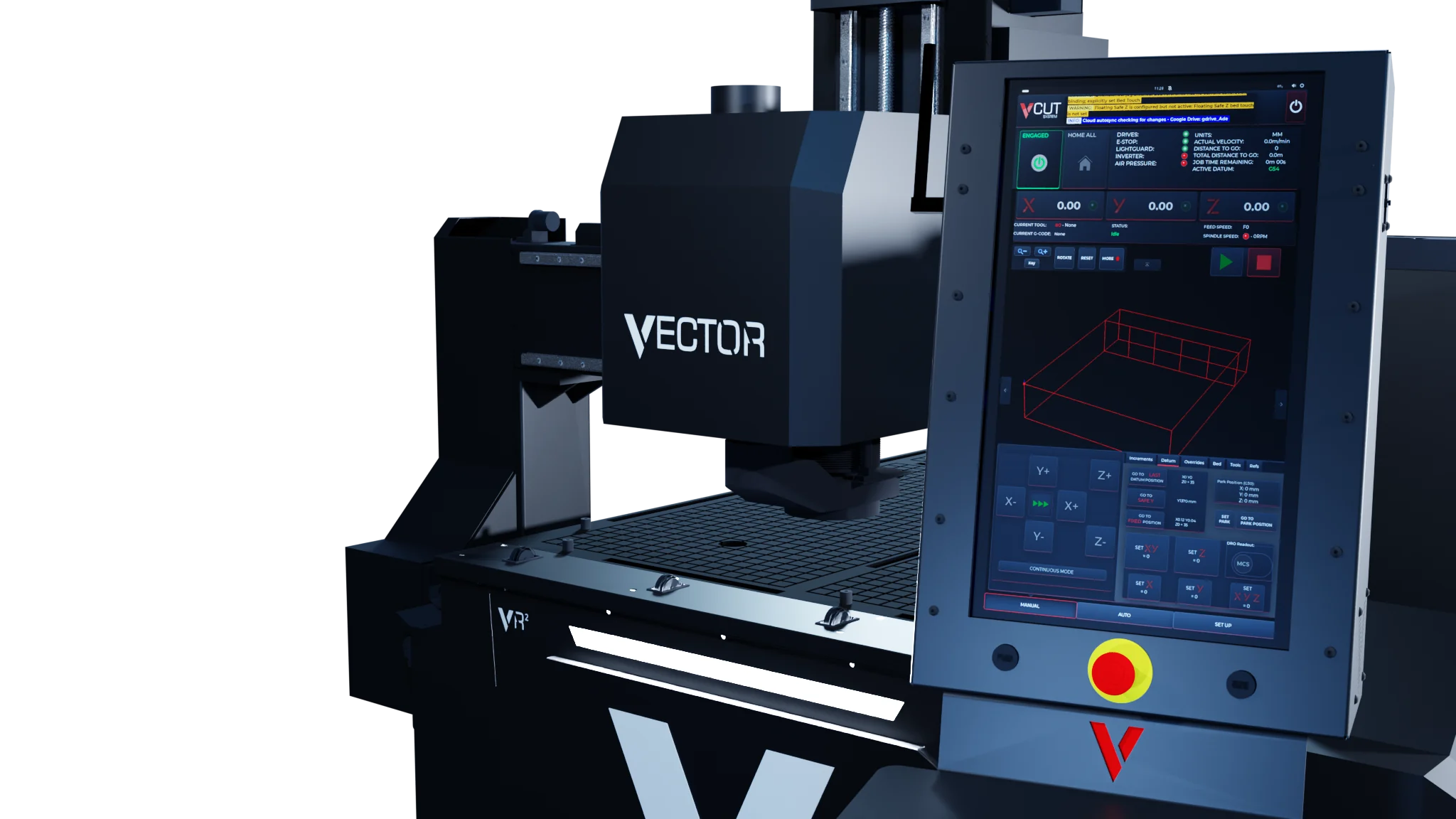
A trained operator can return to a known position in the job instead of repeating or abandoning the whole sheet. The restart route has to match the approved file, the physical setup and the point where work stopped. Training and a safe setup are still required.
Make the machine safe first
Do not choose a restart point until the machine has stopped and the reason for the interruption is understood. Follow the approved stop and recovery procedure. Check whether the sheet, fixtures, clamps or tool moved or were damaged.
If the physical setup changed, the original datum and cutting path may no longer match the material. Do not resume until the setup has been checked and corrected.
Confirm the job and machine state
Confirm that V-CUT has the intended approved G-code file, current tool and active datum. Check that the tool is in the expected station, its tool-length data is valid and the material remains secure.
The AUTO → File controls show the loaded file and provide START PART and JUMP TO LINE navigation. These controls help locate a restart point, but the line or part selection alone does not prove that the approach is safe.
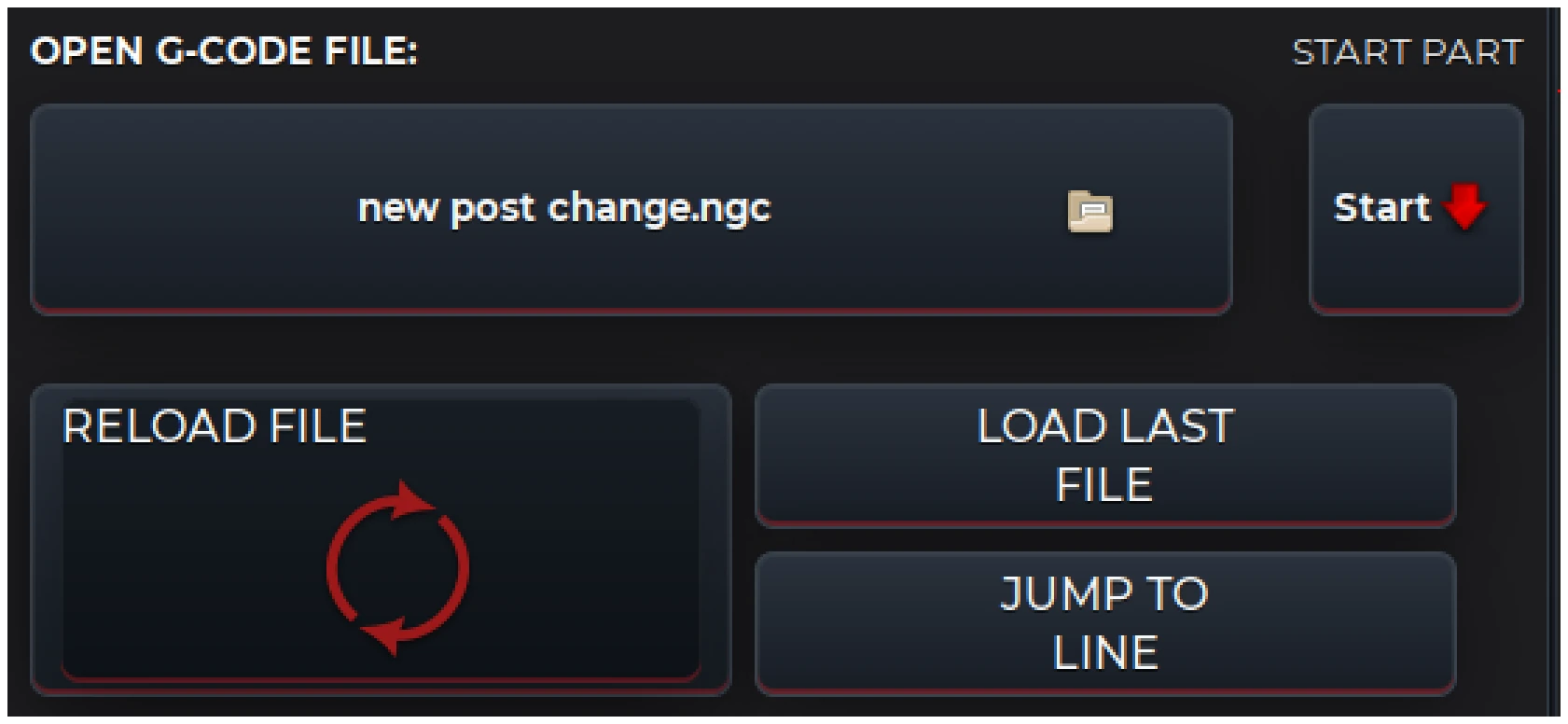
The File controls identify the loaded job and provide part and line navigation. The file name shown is an example.
SmartRestart
SmartRestart, the restart options for an interrupted job, gives three ways to choose where cutting resumes:
- Restart from a program line. Choose the G-code line and position the tool close to that cutting path.
- Restart from a profile. Select a point on a recognised profile in the job view.
- Select a restart on screen. Choose the cutting-path line on the V-CUT touch display.
The AUTO → G-Code view shows the loaded program as numbered lines. These are V-CUT display line numbers; the G-code file does not need matching N block numbers.
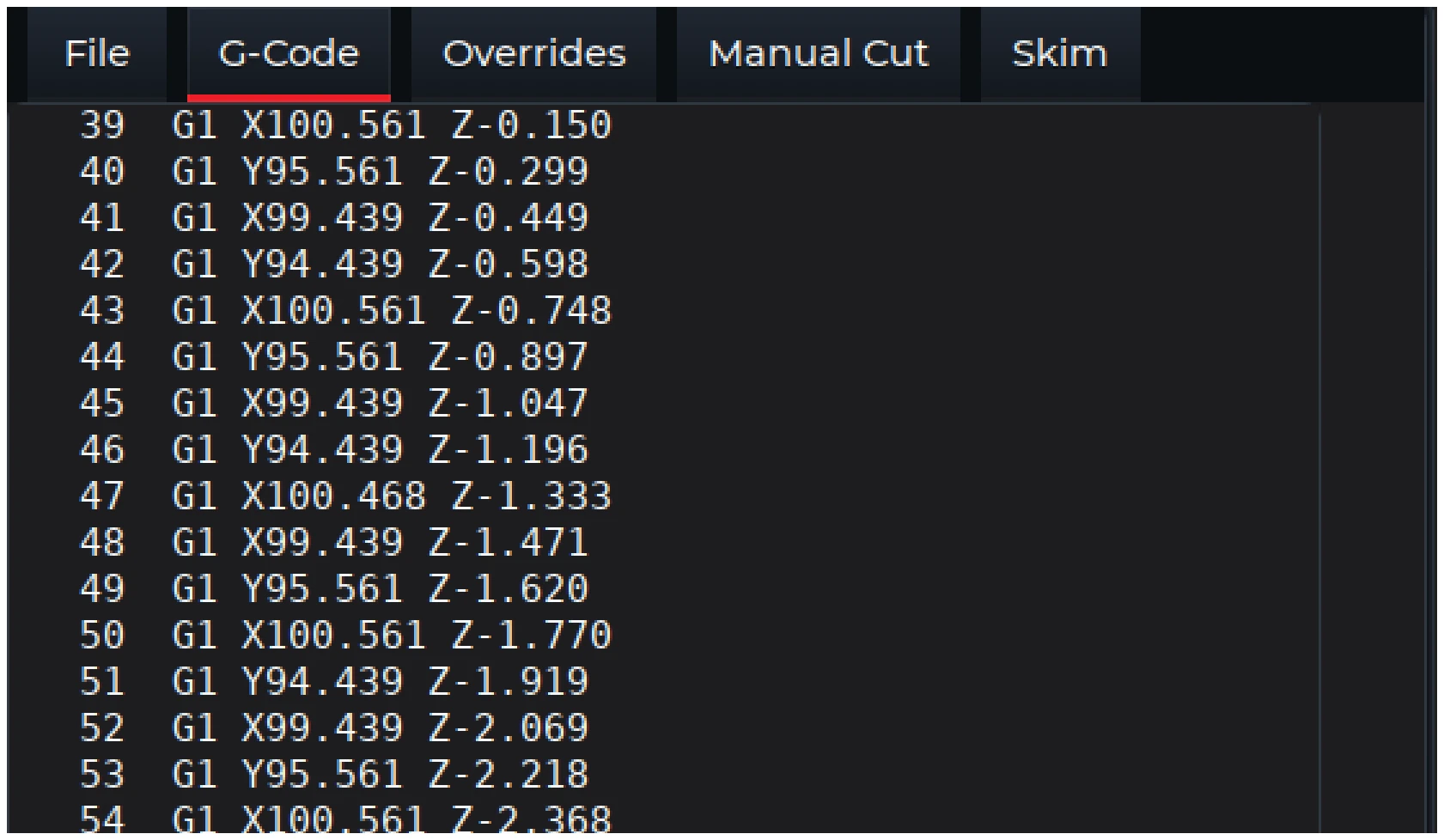
The numbered G-code view helps identify a line for review. The program and values shown are examples.
LiveRewind
LiveRewind, manual pulse generator review of the program, lets the operator use the handwheel to review program motion before choosing a suitable restart position. Review the approach to the restart point as well as the cutting line itself.
The approach must maintain proven Z clearance before rapid XY movement across stock, fixtures or clamps. Do not rely on an unverified diagonal XYZ rapid move.

The manual pulse generator control sits between the run and stop controls.
After a light-guard stop
ActiveGuard, the light-guard stop and controlled recovery, links the machine stop to an authorised recovery route in V-CUT. Recovery stays with authorised users and follows the approved machine procedure. ActiveGuard is not a guard bypass.
Check before motion resumes
Before accepting the restart, confirm:
- The displayed current G-code is the approved job.
- The current tool and its tool-length entry match the selected operation.
- The active datum still matches the physical sheet position.
- The material, fixtures and clamps are secure and the travel route is clear.
- The approach provides proven Z clearance before rapid XY movement.
- The spindle and feed state will be established before cutting motion begins.
- No one can reach the tool or enter the protected area.

Use the job status strip to confirm the current tool, file and machine state. The values shown are examples.
A graphical path or backplot is not proof of safe machine motion. If the setup or required machine state cannot be confirmed, do not resume the job. Use the approved recovery procedure or contact support.